Scan Hero: Scanner App
Mosaic Srl
4.5
AD
AD
Tired of the paper shuffle? Get a document scanner app to make your life easier by going paperless at home, in the office, and on-the-go. Scan Hero is a scanner app that turns your device into a multifunctional office tool, no need for any heavy office equipment. This document scanner turns your Android phone into an all-in-one solution for scanning, editing, and organizing files.
With your Android phone and the Scan Hero app, you can instantly scan documents to PDF, edit, organize, print and share PDF files – all in a tap or two! Use this ultra convenient and powerful document scanner app for:
- Contracts for client and partner deals
- Business cards for collecting contact info
- Receipts for expense tracking and taxes
- Notes and mind maps for saving big ideas
- Book pages and articles for further reading and analysis
- Saving text documents that don’t offer a digital copy
You can also play with multiple editing options and filters to use the document scanner app as a full-fledged photo scanner.
This smart document scanner helps you manage your documents easily. You can:
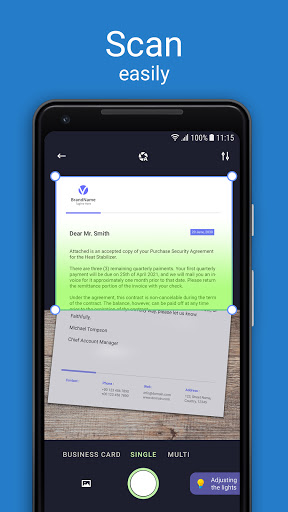
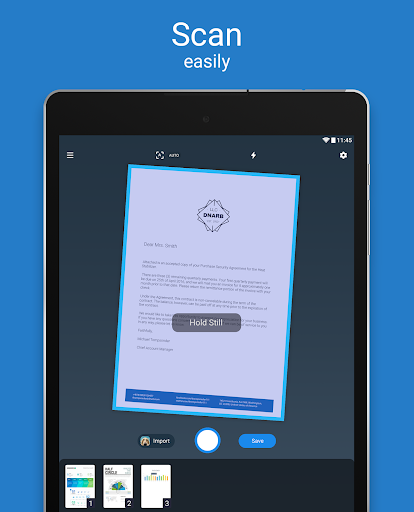
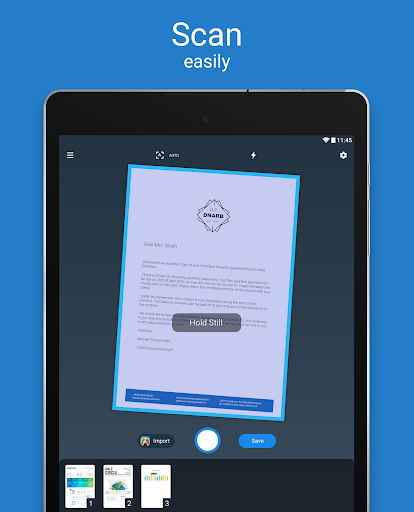
SCAN anything to PDF with your camera or add photos from your camera roll. You can even merge multi-page documents and books into one PDF file.The scanner app detects page edges automatically and creates perfect scans in seconds.
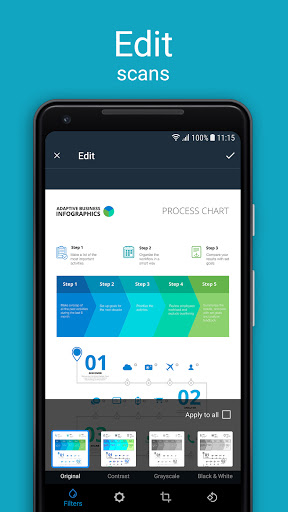
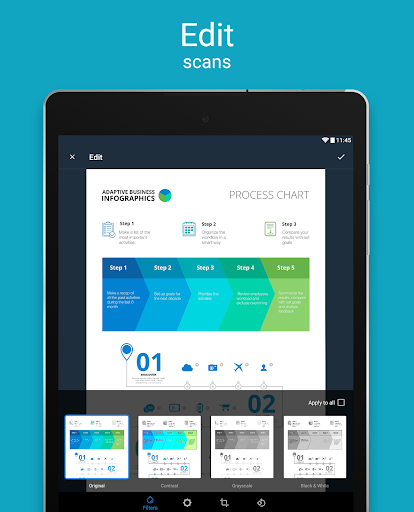
EDIT the document perspective and borders, adjust scanner brightness, rotate pages, apply filters or correct capture area borders if needed. Clean up your PDF scans in seconds.
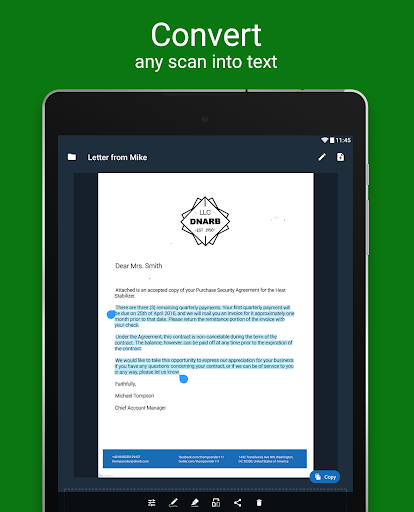
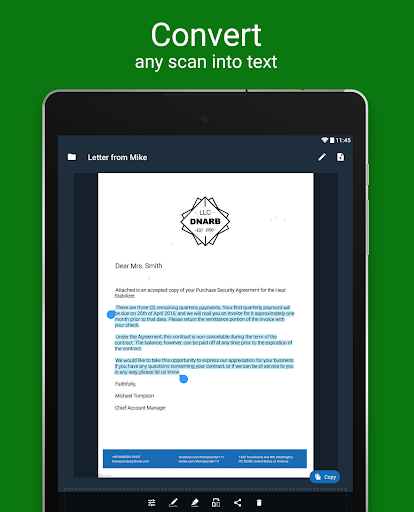
CONVERT your document and PDF scans into editable and searchable text that can be extracted and copy-pasted. This scanner’s Optical Character Recognition (OCR) makes it possible.
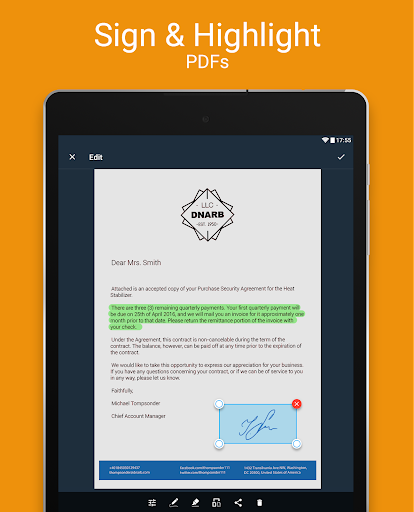
SIGN documents easily on the screen of your device. With this PDF scanner you can create and save an electronic signature to promptly add it to your scans.
HIGHLIGHT key text in your scans and documents to see the main idea at a glance.
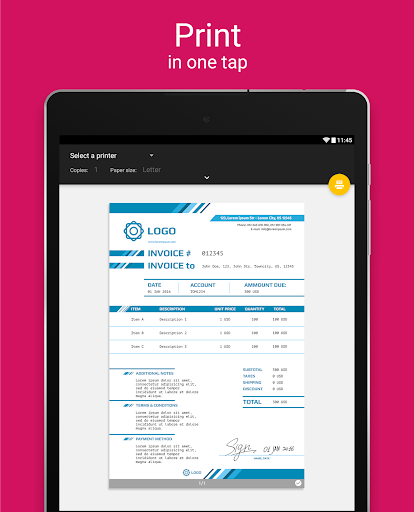
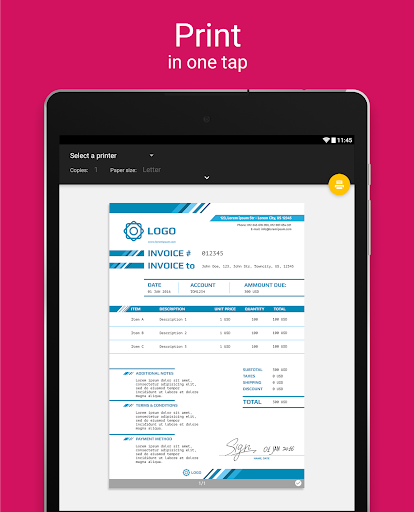
PRINT scanned documents and photos, clipboard text, attached email files and webpages.
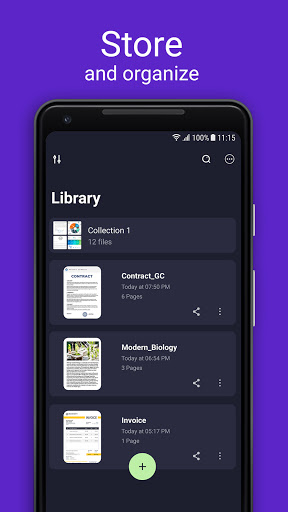
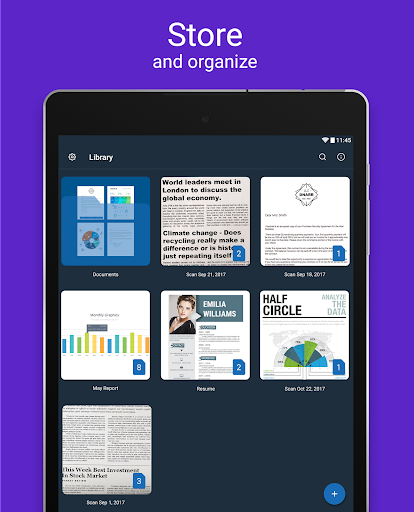
STORE all PDF files and documents directly in the scanner app, and sort them by folders for quick access. Or, easily upload to your cloud storage (Dropbox, Google Drive, Box, etc.)
PROTECT your files and documents with a password.
KEEP business cards on hand and organized.
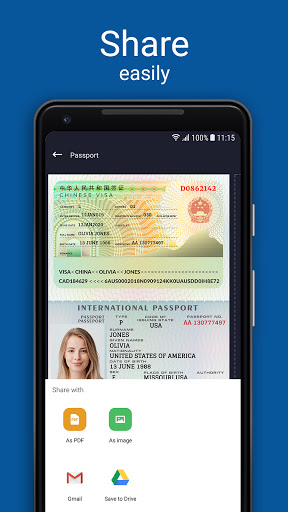
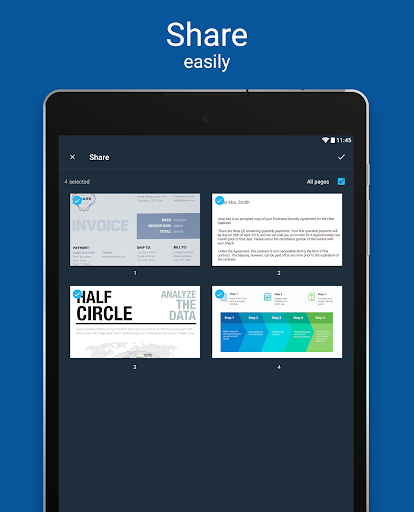
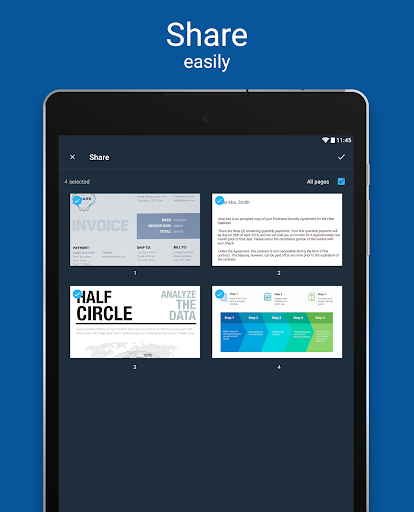
SHARE each PDF file separately or combined into one, export them to photos or send via Mail or any other 3rd party applications.
READ QR codes.
♕ Scan like a PRO using the PREMIUM scanner app features ♕
PRINT & SHARE documents without limits and zero ads!
By downloading this application, you agree to the Apalon Apps End User License Agreement and Privacy Policy.
You can choose from different options.
* A subscription with a free trial will automatically renew to a paid subscription unless you cancel before the end of the free trial period.
* Cancel a free trial or subscription anytime through your account settings on the Google Play Store and continue to enjoy the premium content until the end of the free-trial period or paid subscription!
Scanning documents and pictures to PDF has never been easier. Take full advantage of this document scanner app to simplify the mess of papers!
Privacy Policy: http://www.apalon.com/privacy_policy.html
EULA: http://www.apalon.com/terms_of_use.html
AdChoices: http://www.apalon.com/privacy_policy.html#4
California Privacy Notice: https://apalon.com/privacy_policy.html#h
平均評価
64.93K+
評価の内訳
注目のレビュー
A Google userによる
2019-09-10
バージョン
advertisementspricingmonetizationperformance_and_bugs6.99$ a month superscription and only a 3 day trial period. With the free version your allowed 3 scanned pages per day, premium offer unlimited. With the amount of ads I would have figured you'd at least get more pages per day. Upon opening the app it had large ads and paused between functions of the app itself and a full page ad. I'd buy this but not for 72$ a year. Has a good UI and is intuitive but again 3 pages a day or a subscription is a big pill to swallow.
A Google userによる
2018-11-13
バージョン 1.5
performance_and_bugsmonetizationNo way to end the free trial. I tried to click on the manage subscription button and Google play crashes every time. Tried to change my payment method and it doesn't give the ability to end the subscription. This is dirty business. Don't get this app! Edit: Had to get on my computer and go to the play store then manage subscriptions to cancel. When i tried to manage my subscriptions on my phone the play store app would crash ever time.
A Google userによる
2019-02-14
バージョン 1.7
feature_requestsmonetizationI didnt need all the extra features, just scanning so I can scan my kiddos things. If you are looking for a scanner app with all the extra features I guess the $5.99 a month is okay. But to just scan documents there is alot of other apps that would do that exact thing FOR FREE. I tried the app for the FREE three day trial and it was good. One issue with figuring out how to transfer things to my gallery. I wont be continuing to use this app because I find it to pricey for things I don't need.
スクリーンショット






AD
AD