Draw Glow Comics
ColorJoy
4.4
Détails de la Version
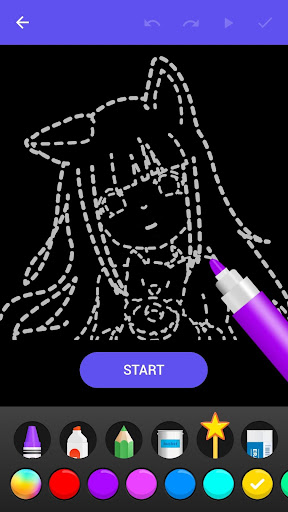
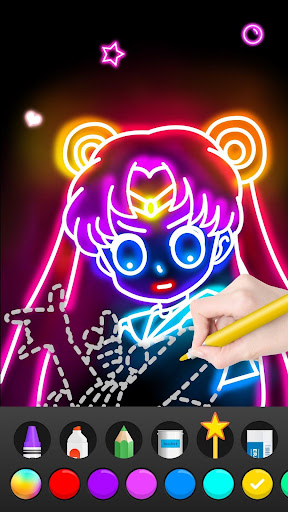
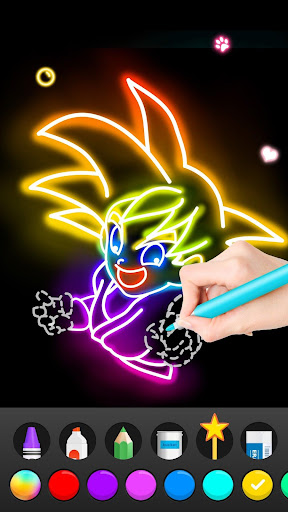
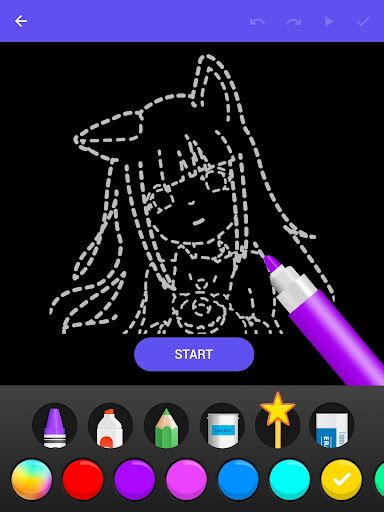
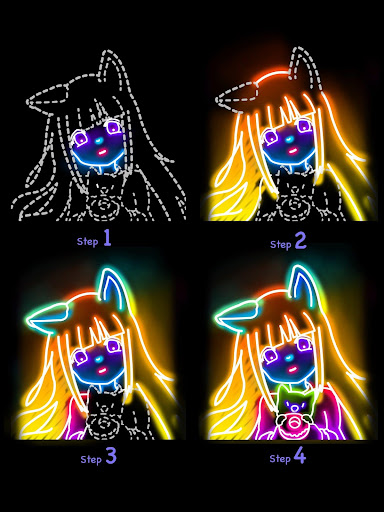
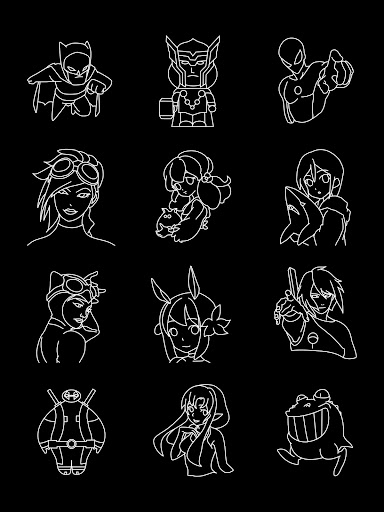
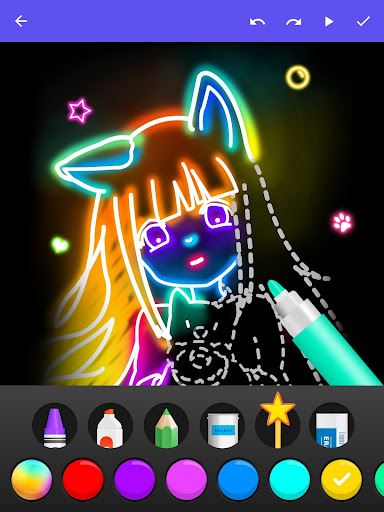
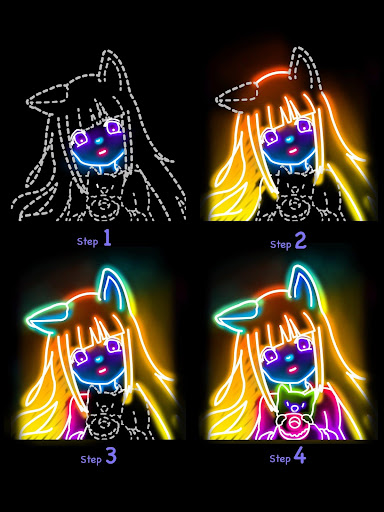
Don’t need any experience and skills, follow the steps to learn.
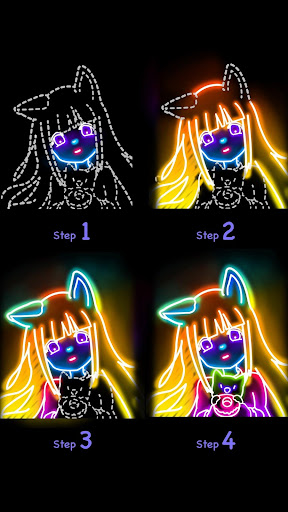
Teach you how to draw the pictures step-by–step.
Make your works looks somewhat different from the others.
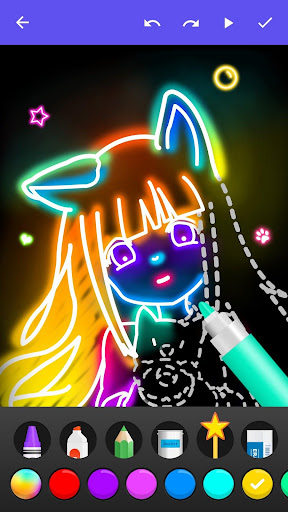
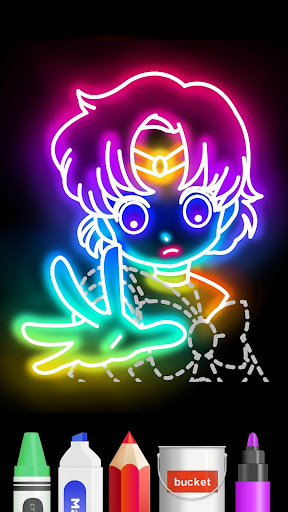
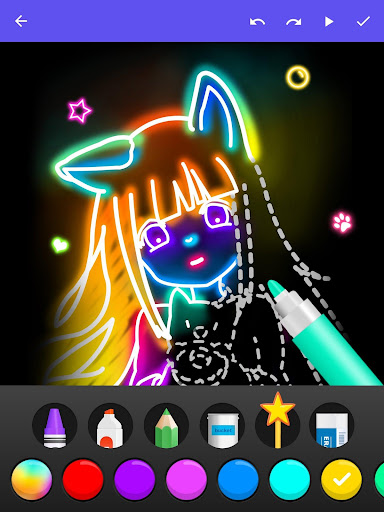
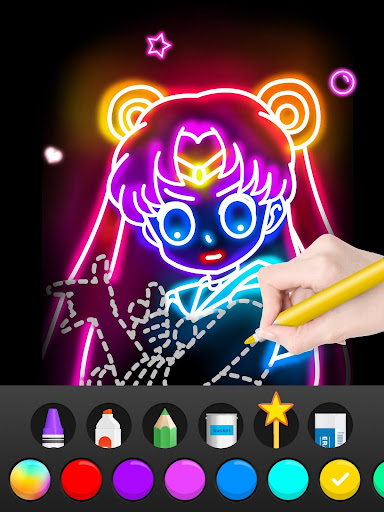
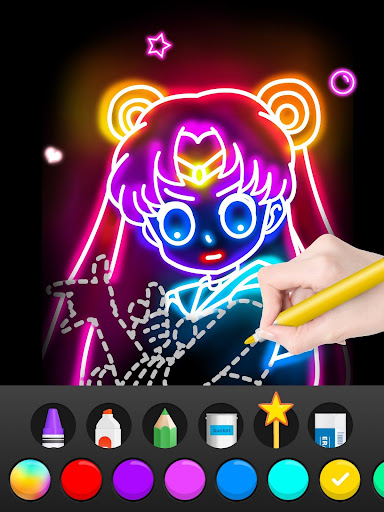
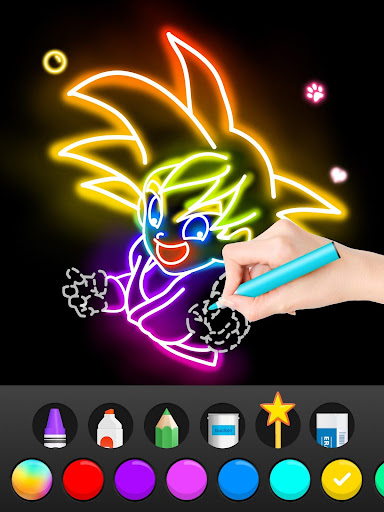
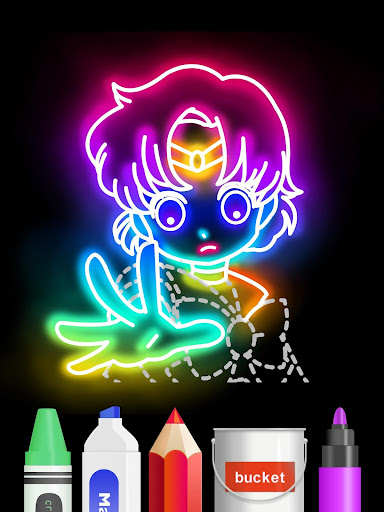
- Glow brushes, freely switch the colors
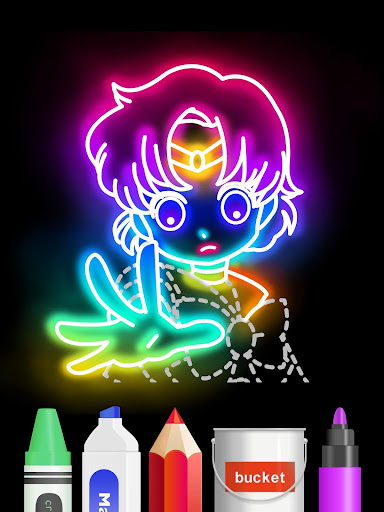
- Drawing + Coloring : coloring your great works
- Detailed drawing steps to learn. teach you step-by-step.
Learing drawing now! Explore the wonderful world of color!
Don’t miss it ! DOWN LOAD NOW !
Évaluation Moyenne
19.62K+
Répartition des Évaluations
Avis Sélectionnés
Par A Google user
2019-08-12
Version 1.0.11
performance_and_bugsWhen I first tried this app, I was so happy in the result. I still am, (of course,) but I tried to draw on my own and it didn't turn out 😂. Not the apps fault, but that was my issue. In my opinion, this app is a way to explore and try out different ways to draw. You can draw on your own, or trace a drawing. You do get an add every couple minutes, but there quick.This app is amazing when it comes to guides and helpers. If you don't have the right colour you need, you could customize it.Bye now 😚
Par A Google user
2019-04-23
Version 1.0.10
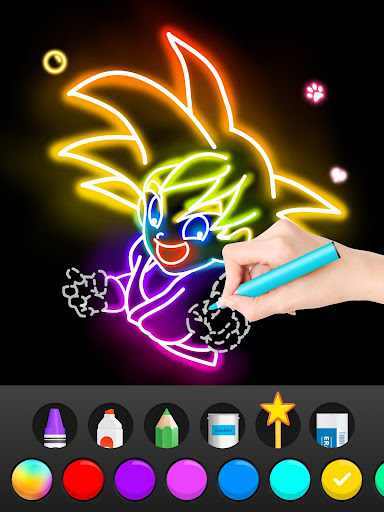
advertisementsperformance_and_bugssocial_and_communityThis is the BEST app. My friends wanted to try it. My cousin LOVES Goku from Dragon Ball Z. She tried drawing Goku a couple of times but it never worked. But when she found Goku on this, she was AMAZED by how it turned out in the end. I learned to draw REAL manga. I was also amazed by the results of the tracing. I have no choice but to rate it 5 stars. Only problem is ads. but the ads are no big deal. A star won't get lost. Amazing app. Keep up the good work.
Par BathYAH Bath-Tziyon
2020-12-20
Version 1.0.19
performance_and_bugsmonetizationupdates_and_maintenanceVersion: Paid💲 Cons👎: App often skips while drawing line, leaving the line broken. So fill color isn't useful. Tapping Save doesn't save to device. It saves drawing progress within the app. Pros👍: Learn colorful line art by tracing. Nice magic brush. To save drawing to device, within app tap: My Works>Settings dots in upper right corner of drawing>Share>Saved to Album.
Captures d'Écran