Pose Tool 3D
Riven Phoenix
4.0
Détails de la Version
| Pays de l'Éditeur | US |
| Date de Sortie dans le Pays | 2012-10-14 |
| Catégories | Comics |
| Pays / Régions | US |
| Site Web du Développeur | Riven Phoenix |
| URL de Support | Riven Phoenix |
| Évaluation du Contenu | Everyone |
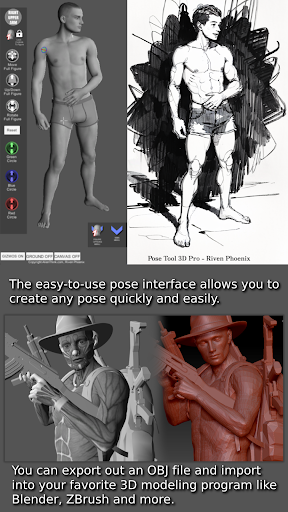
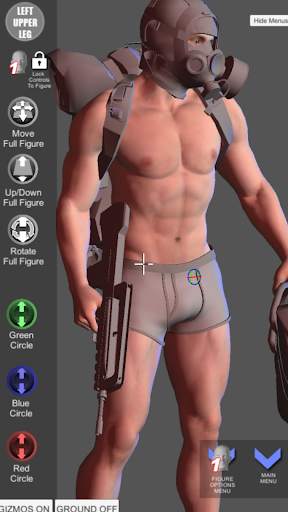
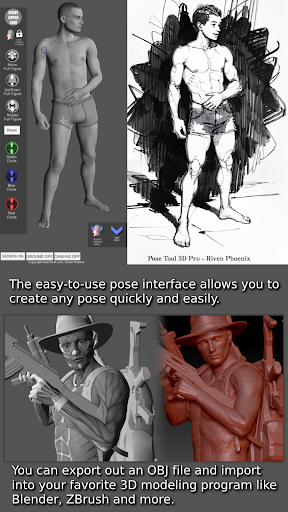
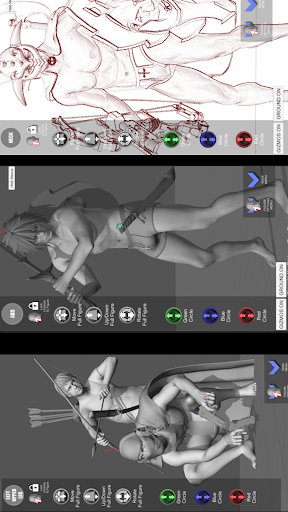
“Are you an artist looking for a breakthrough figure posing tool? Look no further! The pose tool 3d app has been declared one of the Top 10 must-have apps by ImagineFX magazine. With this app, you can have your very own reference model with you at all times. The easy-to-use pose interface allows you to create any pose quickly and easily, and you can pose both male and female figures. The coolest feature of all is that the figures have no constraints, allowing for geometry to intersect and giving you the ability to create both realistic and extreme poses. Whether you’re drawing, doing manga, illustration, character design, animation, storyboarding, or creating comic books, this app has you covered.”
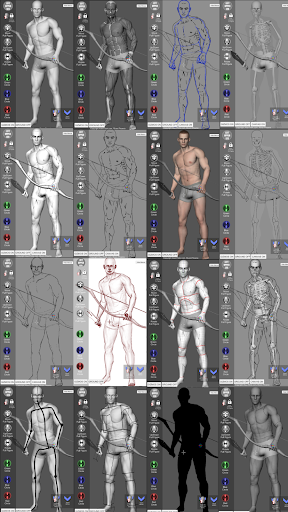
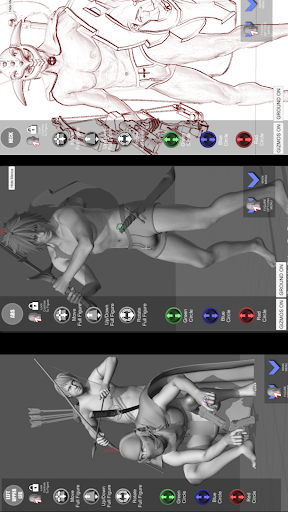
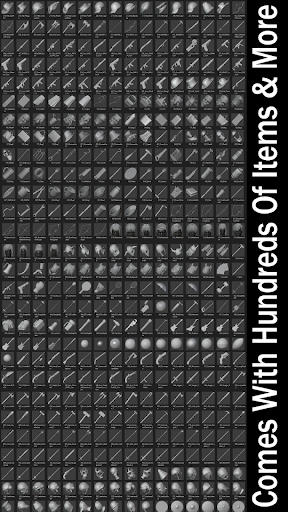
"With the pose tool 3d app, you’ll have access to a wide range of posing features to help you create dynamic and interesting compositions. Whether you’re working on a single character or a group scene, this app has everything you need to bring your ideas to life. "In addition to its powerful posing capabilities, the pose tool 3d app also comes with a variety of everyday objects and weapons that can be attached to the figures’ hands and body parts. This allows you to add even more depth and detail to your compositions and helps bring your characters to life in a more realistic and immersive way. Whether you’re creating a simple portrait or an epic battle scene, the objects and weapons in this app will help you achieve the look and feel you’re going for. One of the key benefits of the pose tool 3d app is its ability to help you visualize the 3d human figure in different drawing modes. Whether you prefer to work in 2D or 3D, this app has you covered. You can switch between different drawing modes to find the one that works best for you.
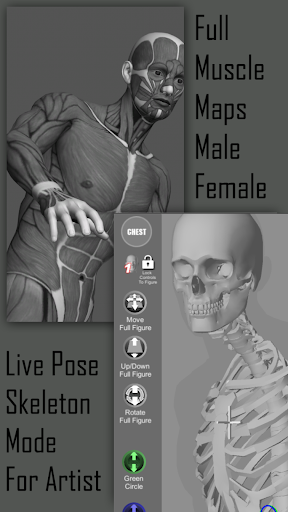
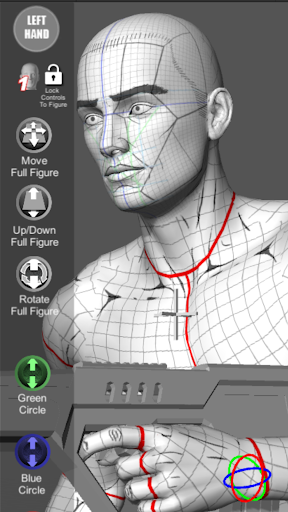
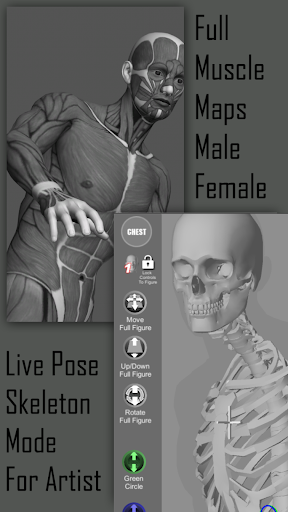
“Another great feature of the pose tool 3d app is the inclusion of muscle maps on the figures. These maps allow you to see exactly how the muscles in the body move and flex as you pose the figure, giving you a deeper understanding of anatomy and helping you create more realistic and believable poses. Whether you’re a beginner artist learning about anatomy or an experienced professional looking to fine-tune your skills, the muscle maps in this app are an invaluable resource. So don’t wait any longer - download the pose tool 3d app today and start using these amazing muscle maps to take your art to the next level!”. Use it for Illustrations, Comic Books, Manga, Painting, Digital Art, Storyboarding.
Touch Controls:
- One Finger - Orbit around figure
- One Finger Tap - Select body part
- Two Finger Pinch - Zoom in and Out and Pan at the same time. This feature gives you the ability to setup dramatic shots for your poses quickly. Very powerful feature.
- Pose Hips for complex angles. You can reset hips at any time with pose reset icon.
Menu Features:
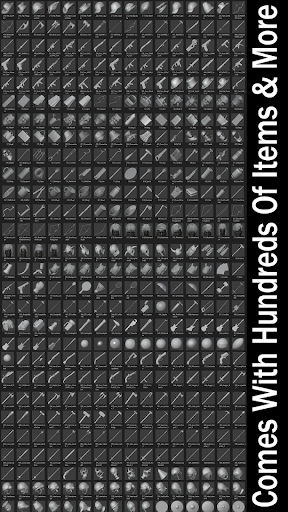
- Inventory System with hundreds of items
- Easy Pose Buttons
- Help Menu
- Save Current Pose
- Load Saved Pose
- Center Figure
- Perspective Grids
- Camera FOV for Perspective
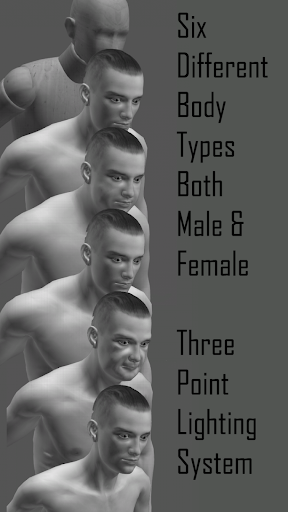
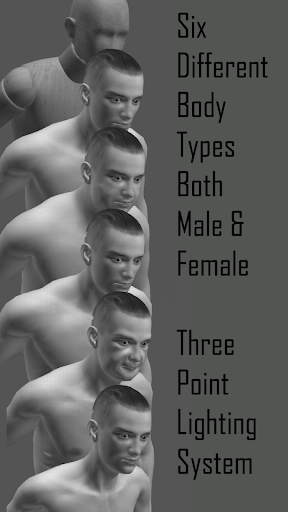
- 6 Males Figures
- 6 Female Figures
- Reset Figure to T-Pose
- Take Screenshot
- Random Pose Maker
- Hide Menu Icon
- 3 Point lighting System
- Muscle Maps Mode
- Mannequin Mode
- Black Mode
- Pencil Sketch Mode
- Pencil Sketch + Mannequin Mode
- Pencil Sketch + Skeleton Mode
- Comic Sketch Mode
- Comic Sketch + Skeleton Mode
- Skeleton Mode
- Skeleton Sketch Mode
- Life Drawing Mode Mono
- Life Drawing Mode Color
- Cube Mode
- Gesture System Mode
- Average Male/Female body type
- Heavy Male/Female body type
- Old Male/Female body type
- Skinny Male/Female body type
- Muscular Male/Female body type
- Mannequin Male/Female body type
- Lock Camera Mode
- Camera Lucida Mode
Male and Female Organic Moving Parts:
- Head
- Neck
- Shoulders
- Upper Arm
- Lower Arm
- Hand
- Finger
- Chest
- Abs
- Hip
- Upper Leg
- Lower Leg
- Feet
- Feet Ball
https://www.AlienThink.com
Évaluation Moyenne
1.54K+
Répartition des Évaluations
Avis Sélectionnés
Par Jeffrey Barkey
2025-07-02
Version 6.8.180
feature_requestsserviceThis is amazing, it has so many options. I just found the draw steps option, and that was just too cool for me not to come here and rate it. Being able to zoom and rotate the head in drawing mode alone is worth it to me. Great app. Side note, I also got his course on Udemy, which led me to this app a few years ago, but I believe it's gotten even better since then. I'm just starting to learn to draw again and I'm glad I reinstalled this.
Par Nadircatt
2022-08-22
Version 6.8.147
social_and_communityGreat app! I've been using it to help with my art for months now, the only thing is is that its lacking. There are no background props to place (I.e beds, couches, motorcycles, ect) or animals, and most importantly, for me because of what I draw, is child and teenage models. Having more age models can help a ton, I need it so bad and want to use this app but its lacking those so I had to use other apps. Unless this adds those I can't really use this for everything
Par Andrea K Haid
2021-09-09
Version 6.8.147
serviceI love this app! For simple animation reference, it's great. Don't expect bells and whistles, after all you can photo yourself or a model with whatever clothes/props and lighting you need for detailed reference for painting or whatnot. This is a great app for when you're at work and you need help with a pose but can't photo yourself or get reference another way. For example browsing the internet is banned for me at work and sometimes I just can't photo myself at work for reference.
Captures d'Écran