Watch Sync App - BT Notifier
AceTools Team
4.3
Release Details
| Publisher Country | US |
| Country Release Date | 2023-07-24 |
| Categories | Communication |
| Country / Regions | US |
| Developer Website | AceTools Team |
| Support URL | AceTools Team |
| Content Rating | Everyone |
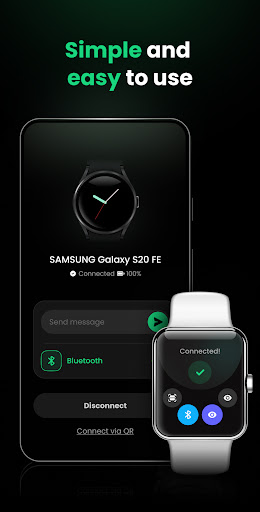
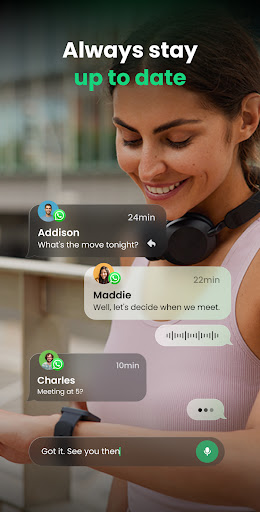
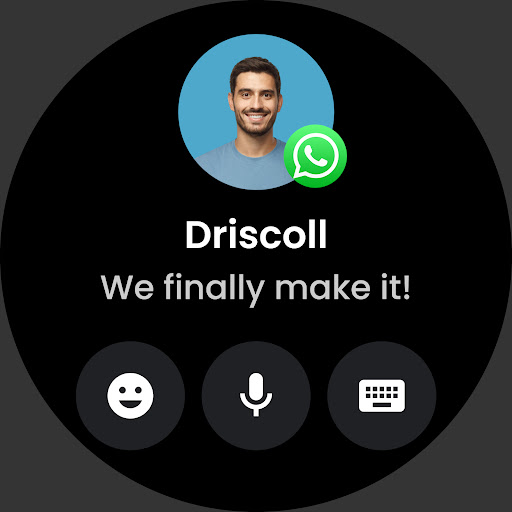
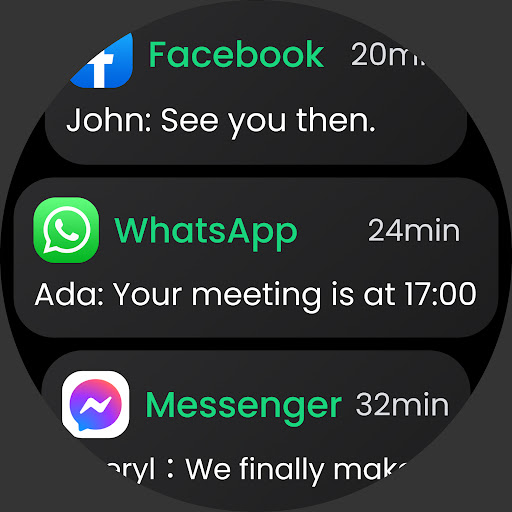
Connect your smartwatch and phone with just one touch through our Watch Mate. Make sure you never miss a mobile notification.
Even if your smartwatch isn’t compatible with your phone, we can help establish a connection. Our Wear OS app works seamlessly with all phone and watch brands, allowing you to connect your watch mobile to multiple phones.
Stay connected, informed, and on top of notifications in real-time with our stable and convenient smart watch app.
✅Supports all Wear OS
Don’t worry about connection failure, our watch sync app is compatible with all smart watch brands, such as Fire-Boltt, Noise, BoAt, Garmin, Amazfit, HUAWEI, Samsung smart watches, Misfit, Grapes, Ticwatch, ZTE Quartz, Xiaomi Mi Watch, Fitbit smart watch, Fossil Smart Watch…
🔗 Fast and Stable Connection
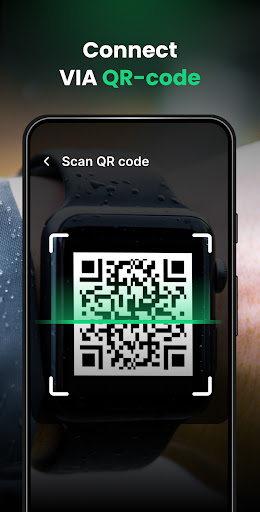
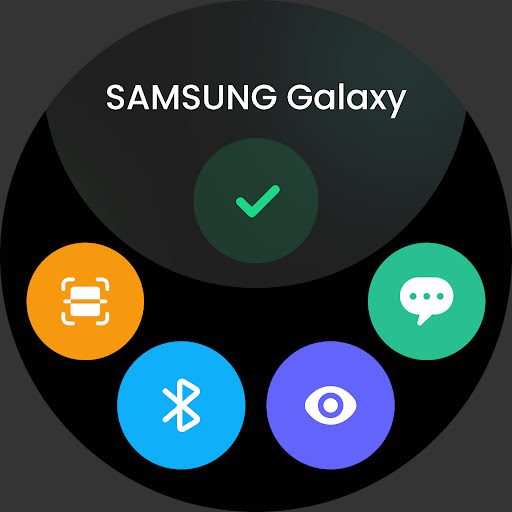
Pairing your smartwatch and mobile phone is a breeze with our smart watch app. We provide two connection methods: Bluetooth (BT sync) and QR code to ensure that all watches and mobile phones can be connected successfully.
♻️ Receive Multi-Device Messages
With this smart watch app, you have the flexibility to connect your watch mobile to multiple phones. It enables you to effortlessly manage and handle BT notification in one place. Check messages in real-time without switching phones, ensuring you never miss an important alert!
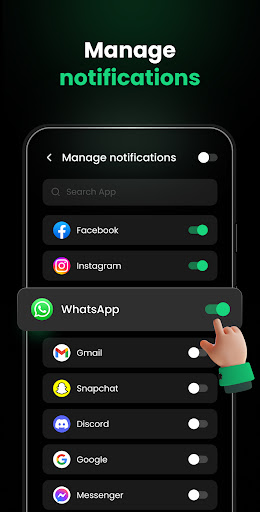
💬 Customized App Notifications
Personalize your BT notification preferences by choosing which apps you want to receive notifications from, avoiding message interference and enhancing your learning or work efficiency.
🔕 Intimate Quiet Time
We’ve created a Do Not Disturb mode for you, allowing you to enjoy quiet time without any message interruptions. You can customize the do not disturb time, during which all messages on your smartwatch will be in silent mode.
🔗 Bluetooth Sync Guide
✦ Turn on Bluetooth on both your phone and smartwatch;
✦ Click “Connect a device” on the phone’s homepage;
✦ Select your watch mobile from the device list;
✦ Connected successfully!
If you encounter Bluetooth connection issues, try the following method instead:
✦ Click the QR code icon on your smart watch;
✦ Click “Connect via QR” on your phone’s homepage;
✦ Scan the QR code on your smart watch;
✦ Connected successfully!
🏃Upcoming features
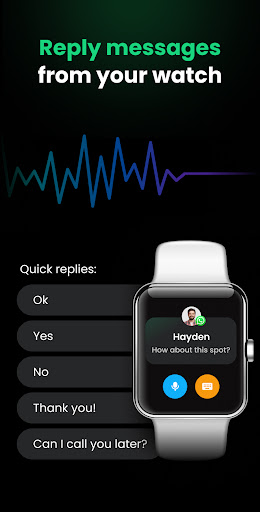
✧ Answer phone calls and reply to messages;
✧ Send and receive voice and video messages;
✧ Customize various watch wallpapers;
✧ Heart rate monitoring and health reminders.
Don’t miss out on this must-have smartwatch sync app that creates a secure and stable connection between your phone and Wear OS. Download Watch Mate now to sync your life, receive message and notifications wherever you are, and experience the perfect connection between your mobile phone and smartwatch.
We’re constantly improving our product, so be sure to follow our updates on Google Play! If you have any feedback or suggestions, please contact us at [email protected].
Watch Sync App & BT Notifier
Easily connect your smartwatch with phone using powerful tools like BT notifier and BT sync. Stay updated with all your BT notification, sync communication seamlessly, and manage your social interactions effectively. With Watch Sync App & BT notifier, your smartwatch sync experience is fully optimized!
BT Sync for Watch Apps
Enhance your smartwatch sync experience with powerful tools for seamless communication and management. Sync your watch apps, stay connected on social platforms, and streamline all your social interactions. Our tools ensure your communication and watch apps are always in sync!
Average Rating
11.28K+
Rating Breakdown
Featured Reviews
By Caleb Eloy Mares
2025-02-25
Version
AdsThe app wasnt compatible with my device, but thats not the reason why im rating 1. I rarely even rate but great god this entire app is nothing but a money grab. I open the app, AD, I press a button, AD, even the buttons themselves are ADs. There is absolutely no reason for an AD to deceive you into tapping it. On top of that, if the AD isnt taking up just half the screen, its a video that rarely lets you ACTUALLY press the X. Dont reply with no "Sorry for the inconvenience" because you aren't.
By Greg SAUNDERS
2025-02-18
Version 1.2.6.W
NetworkSpendingNew watch, trying to set, Google Play Store. Wearable App came up and I started then watch mate came up taking over. Price $49.99 for one year came up and I tried to log out / cancel and not purchase. Short time later screen came up $29.99 for year. I followed prompts unable to exit and logged on to pay pal and google. Finally came up needing another app installed on watch. Watchmate connecting with your watch on the watch screen and the phone, wont connect
By Dan Story
2025-02-22
Version 1.2.6.P
Battery UsageHate itPayment and BillingThis app is a scam took my credit card information for what I thought was the watch app and was a dating website and charged my card twice from pompano Beach Florida where I didn't make any charges I immediately cancelled my card thought it was fishy when all these adds starting popping up when I opened the app!
Screenshots