HD Camera for Android: XCamera
Simple Design Ltd.
4.8
Release Details
| Publisher Country | US |
| Country Release Date | 2021-11-16 |
| Categories | Photography |
| Country / Regions | US |
| Developer Website | Simple Design Ltd. |
| Support URL | Simple Design Ltd. |
| Content Rating | Everyone |
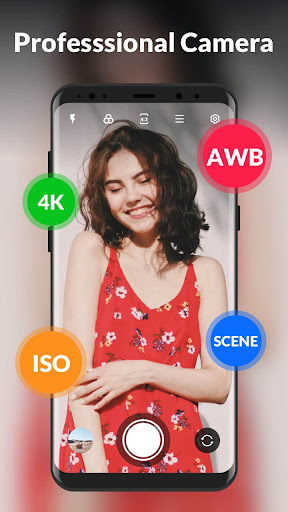
XCamera is a professional camera app for all Android devices. With rich filters and professional beauty effects, you can take amazing selfie photos!💖🎊
Key features
🔥 Intelligent scene modes
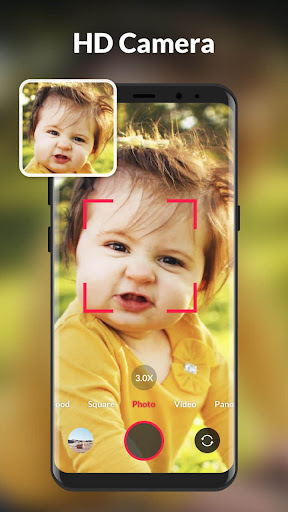
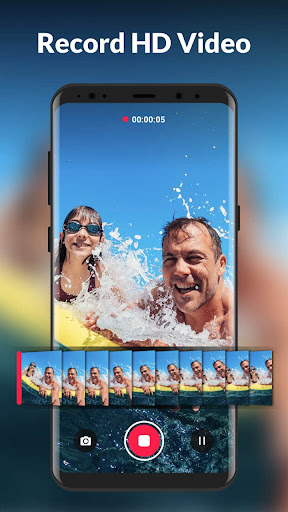
- 7 shooting modes: photo, video, pro mode, food, square, panorama, short video
- 19 real-time filters: meet your needs of all scenes
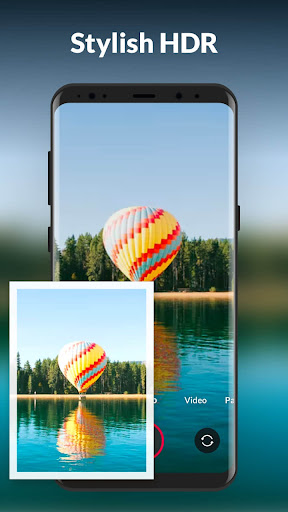
- Powerful HDR: capture the details of highlights and shadows in dynamic shooting
🔥 Professional adjustment
- Focus: various zoom modes to take clear photos
- White Balance: adjust the intensities of the colors to restore the original color of the photo
- Exposure: adjust the ISO sensitivity to fit the scene being shot, whether dark or bright
- SCE: preset different scene parameters, support night and sport mode, one-click to shoot HD photos
🔥 Other features
- Picture/video adjustment
- Pinch to zoom
- Countdown timer
- Burst shoot and quicksnap
- Steady shooting
- Torch and flash
- Touch to shoot
- Volume key, audio control to take photos and videos
- Auto level
- Photo collage
- Record location info
One click to capture HD photos! Our professional HD camera will bring you unbelievable selfies and keep your special moments. Download and enjoy this free camera app!
——————————————————————
Disclaimer:
This app is based on Open Camera code, and licensed under the GNU General Public License.
Code: https://sourceforge.net/p/opencamera/code
GNU General Public License: http://www.gnu.org/licenses
Download HD Camera for Android: XCamera
Not Available
Average Rating
325.83K+
Rating Breakdown
Featured Reviews
By Khalifa Saddiq Ameen
2025-10-23
Version 1.1.8
performance_and_bugsdesignI took about 25 pics in less than 10 min. It was very easy actually no adds during pic taking. Writing this review is taking longer. I will say that when I went to the gallery some of the pics were upside down. that's very strange because they weren't upside down when I took them. I havnt seen an easy way to fix this issue yet. Definitely better than stock camera. 4 stars
By Scott Adie
2025-08-08
Version 1.1.8
contentpaymentmonetizationI got this app for my new tablet just to test the camera because the app that came pre-installed didn't work. To me, a semi-pro photographer, this app works outstanding. The level of controls is excellent and I paid to get the ad free version. Definitely worth it. Also, there's several add-ons available for purchase as well and I think I'll probably be getting those too. If you pay the few bucks to get it ad free, I'm sure you'll be pleased.
By Amy Landes
2025-09-20
Version
advertisementsfeature_requestsSaw complaints about ads, they listened and no longer an issue. clear, detailed shots. Images are displayed after each shot, giving you an opportunity to save or retake the picture. I have lost a few good shots because I forgot that you have to tell the app to save each time, but after using it for a few weeks I have grown to like this feature. I don't have to take multiple pictures just to delete most of them later. Editing options are limited.
Screenshots