Gaming Mode - Game Booster PRO
ZipoApps
4.5
Release Details
Ultimate Game Mode.
Play your favorite games like a PRO. Use our game booster and enjoy a fantastic gaming experience!
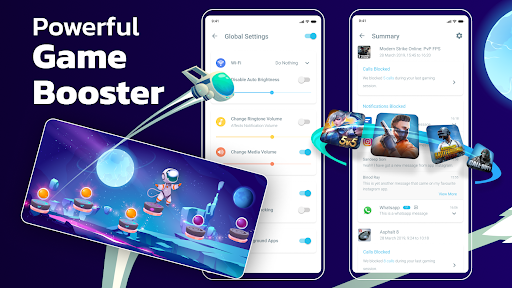
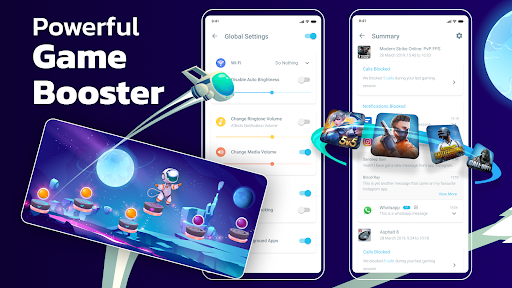
Powerful Game Booster!
The one and only Gaming Mode app on Play Store comes with a nifty set of features to enhance your gaming experience. Configure it once, and Gaming Mode will automatically do the rest for you. Your ultimate game booster tool.
How does it work?
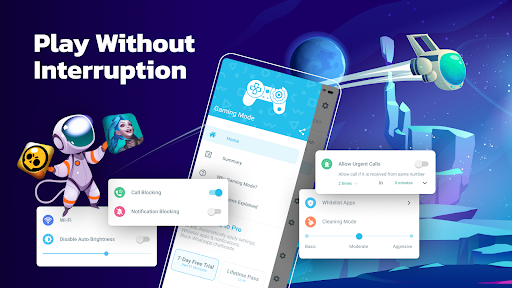
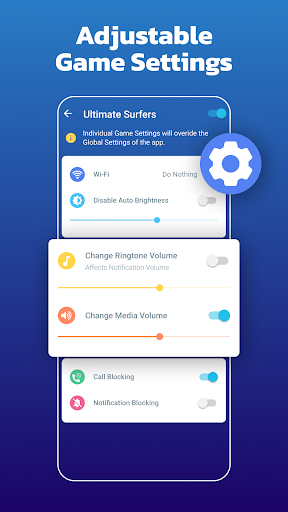
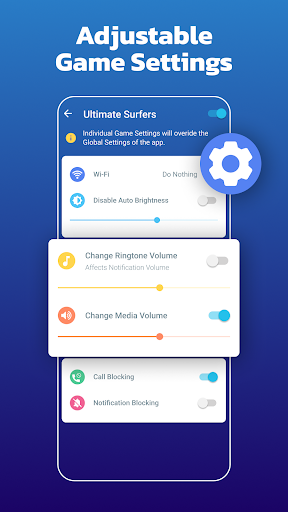
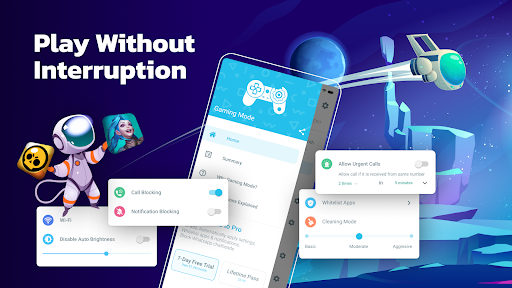
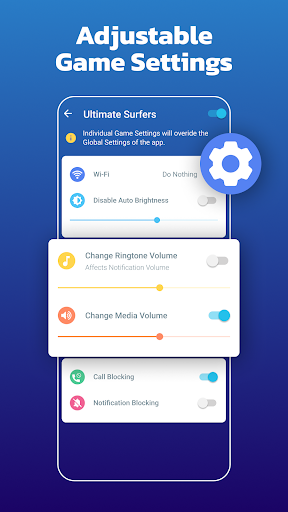
You can configure various settings that will get applied automatically when the game starts. You can configure these settings globally or on a per-game basis. Gaming Mode booster also remembers your existing device settings and restores them after your gameplay session ends. Now you no longer need to fiddle with your device settings before each gameplay session.
What features does it configure automatically?
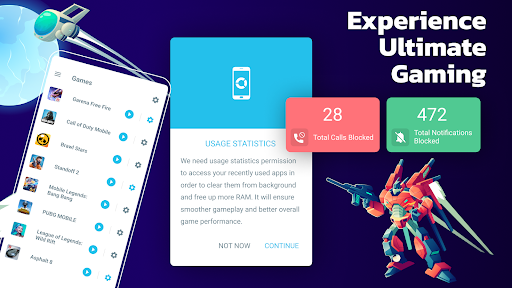
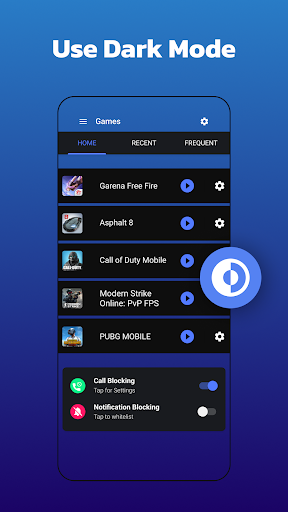
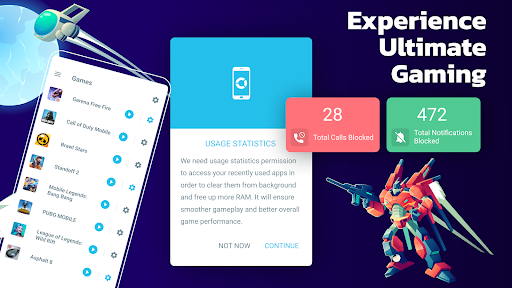
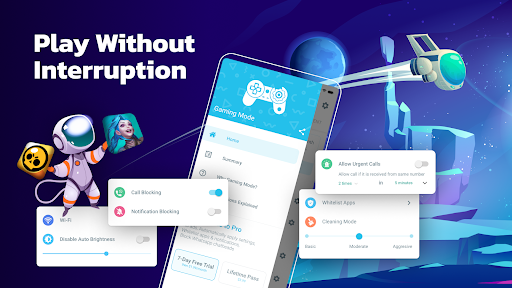
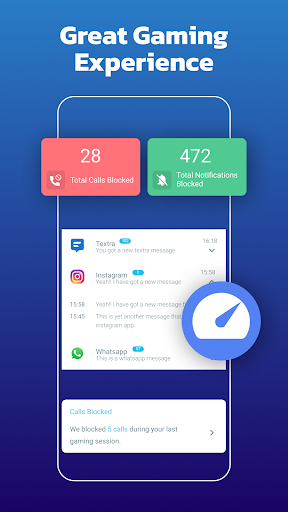
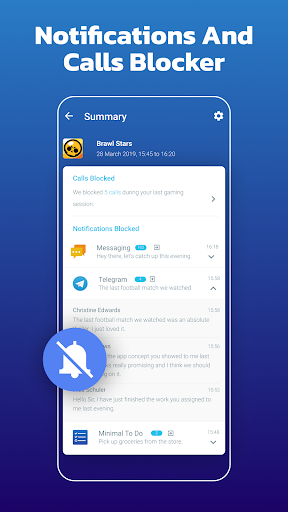
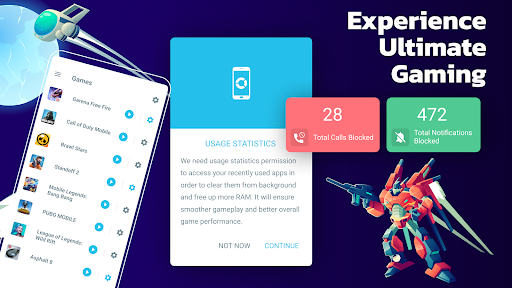
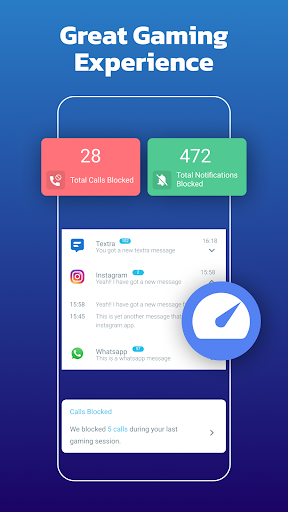
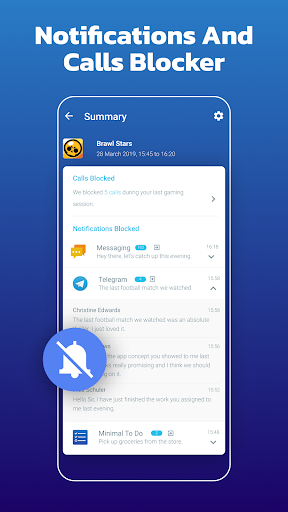
✓ Auto Reject Incoming calls - Our game booster is on your side. Show your skills without interruptions.
✓ Block notifications - With Game Booster, your focus will not be disrupted - pure gaming experience.
✓ Game Booster
✓ Disable auto-brightness & optimize it to your desired level.
✓ Change WiFi state.
✓ Change Ringtone & Media Volume.
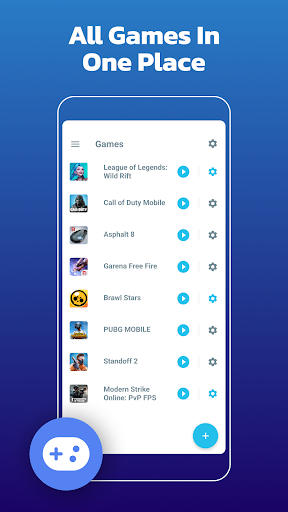
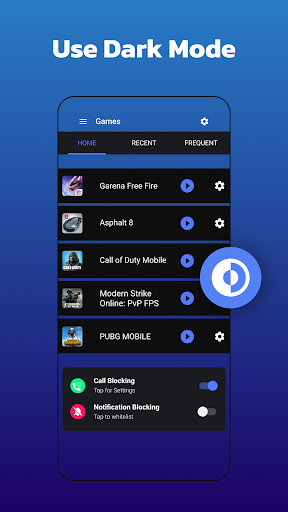
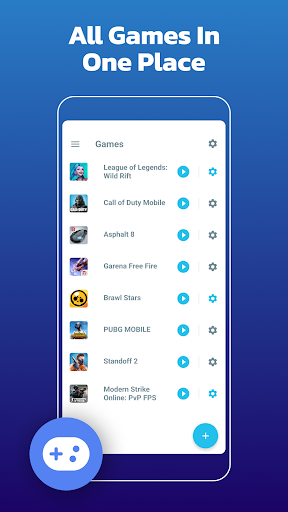
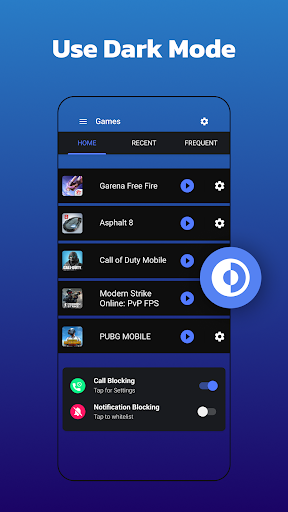
✓ Create widgets to launch games directly from your device’s home screen. Your game launcher.
Create widget - Game launcher
Ease of use with the widget on your home screen will make the start of your gaming experience even more enjoyable. The game launcher on your home screen - sweet! Instead of spending your time looking for games, enjoy playing, use our widget feature - game launcher.
Our app is designed to enhance the gaming experience. One of our core features is allowing users to block internet connection to focus on their game without interruptions. This is done using a local VPN service that does not transfer data outside the device.
Average Rating
404.85K+
Rating Breakdown
Featured Reviews
By Timothy Tumpal
2023-03-18
Version 1.9.0
advertisementsNot too bad considering it's free. When I first launched the app, it was very, VERY user friendly. It lets you control how much of a scale to decrease background app usage, do not disturb features, and more. The ads are there, but to be honest, they're not that annoying. In terms of how well it does its job, not too bad. I can see some clear FPS improvemenrs when I was playing CODM. Overall, 7.5/10 would use again.
By erock steady
2025-06-05
Version 1.9.0
performance_and_bugsif you were to go through the 3 or 4 googoo accounts I've maintained - over the last 5-6 years of my play store purchase logs you'll find huge empty blank spaces in the "system utilities" columns. go ahead, I'll wait... while you're at it, take note of the number of game booster apps I've installed and the frequency of use they've enjoyed. no hurry I'll wait... what'd you find? I've tried and confirmed useless all but one. that's right - one. gaming mode. so I bought it. best.purchase. ever.
By Johnny Southerland
2022-01-20
Version 1.9.0
advertisementsperformance_and_bugsoffline_functionalitynotificationsIt's automatic and ad free! That's a huge plus. AND it helps with the games that would normally be laggy to run smooth. It lowers ram usage from other apps and has the option to mute notifications. I like how it allows you to decide whether you wanna be completely involved in whatever game you're playing without interruption or just stay a little focused in the game and still get notified about what else is going on in the world.
Screenshots